

Tutorials
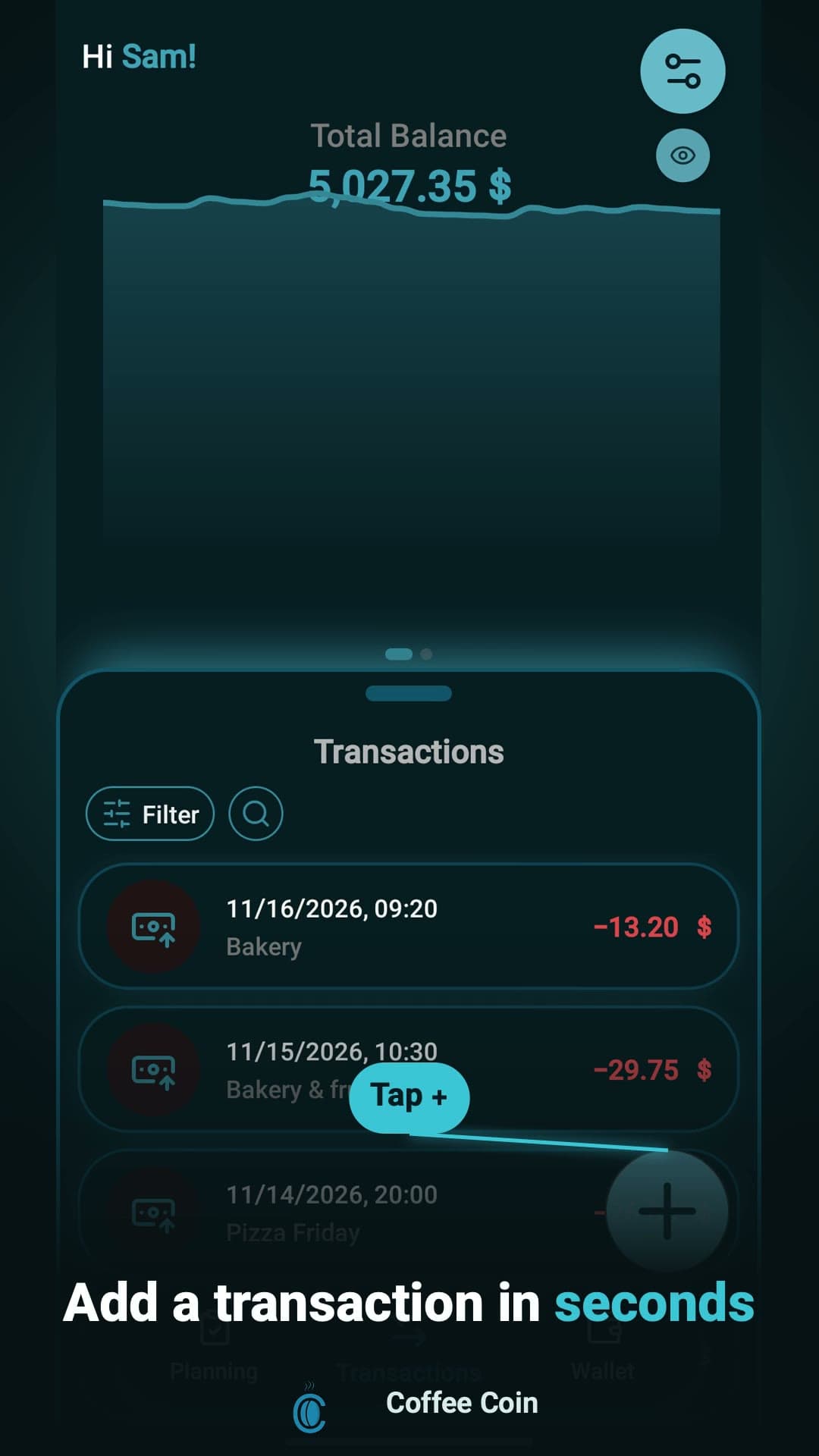
Add a transaction in seconds
Enter the amount, choose a type and category, and save. Account balances update right away. You can also split one expense across accounts or partitions.
Step by step
- Tap Add and enter the amount with the built-in calculator.
- Choose the transaction type (income or expense) and a category.
- Select the account; split a shared expense across accounts or partitions when needed.
- Review the details and save to update balances and reports.