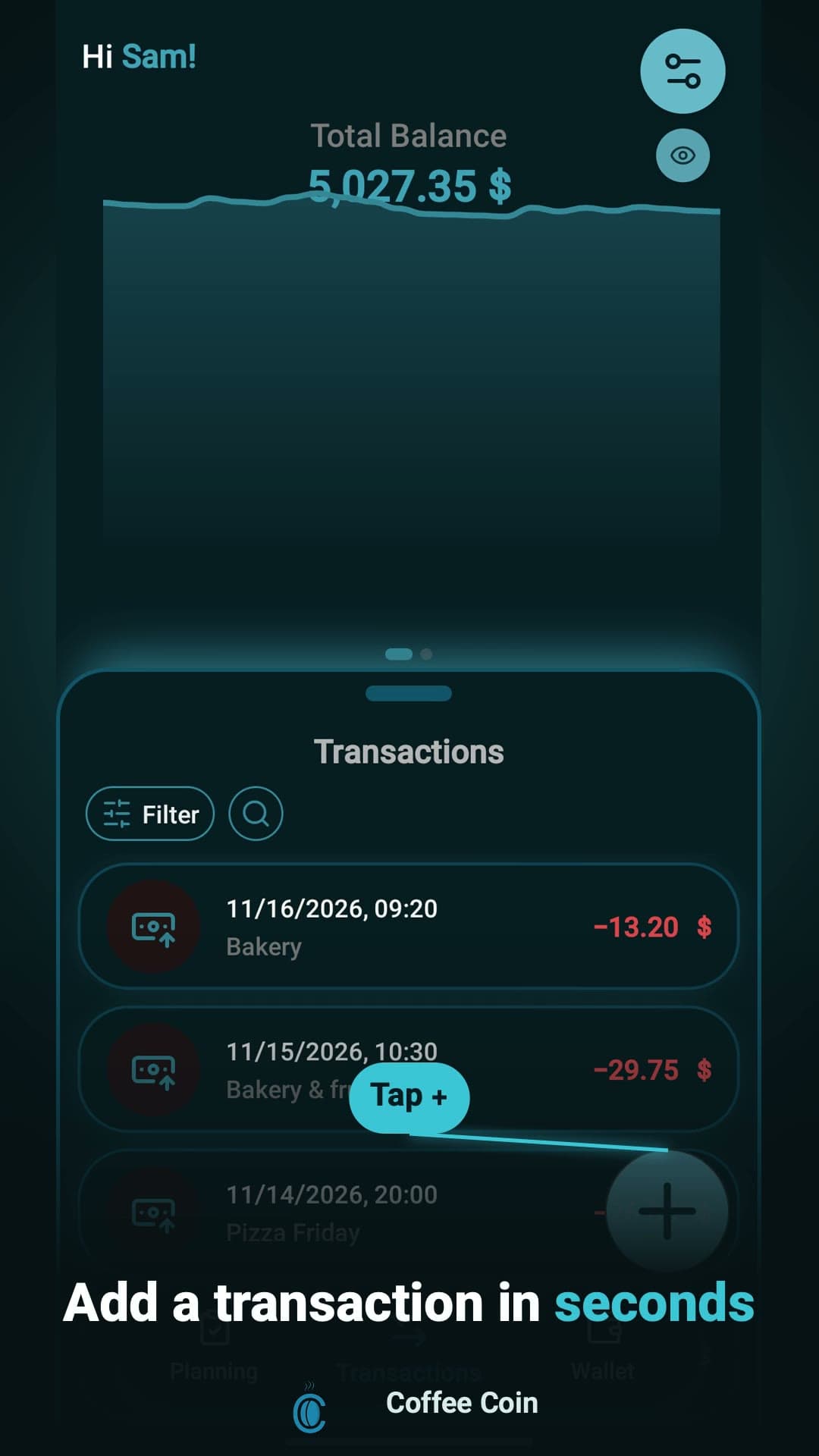
Add a transaction in seconds
Enter the amount, choose a type and category, and save. Account balances update right away. You can also split one expense across accounts or partitions.
Read guide →
 CoffeeCoin
In under a minute, see where everything is in Coffee Coin.
Enter the amount, choose a type and category, and save. Account balances update right away. You can also split one expense across accounts or partitions.
Read guide →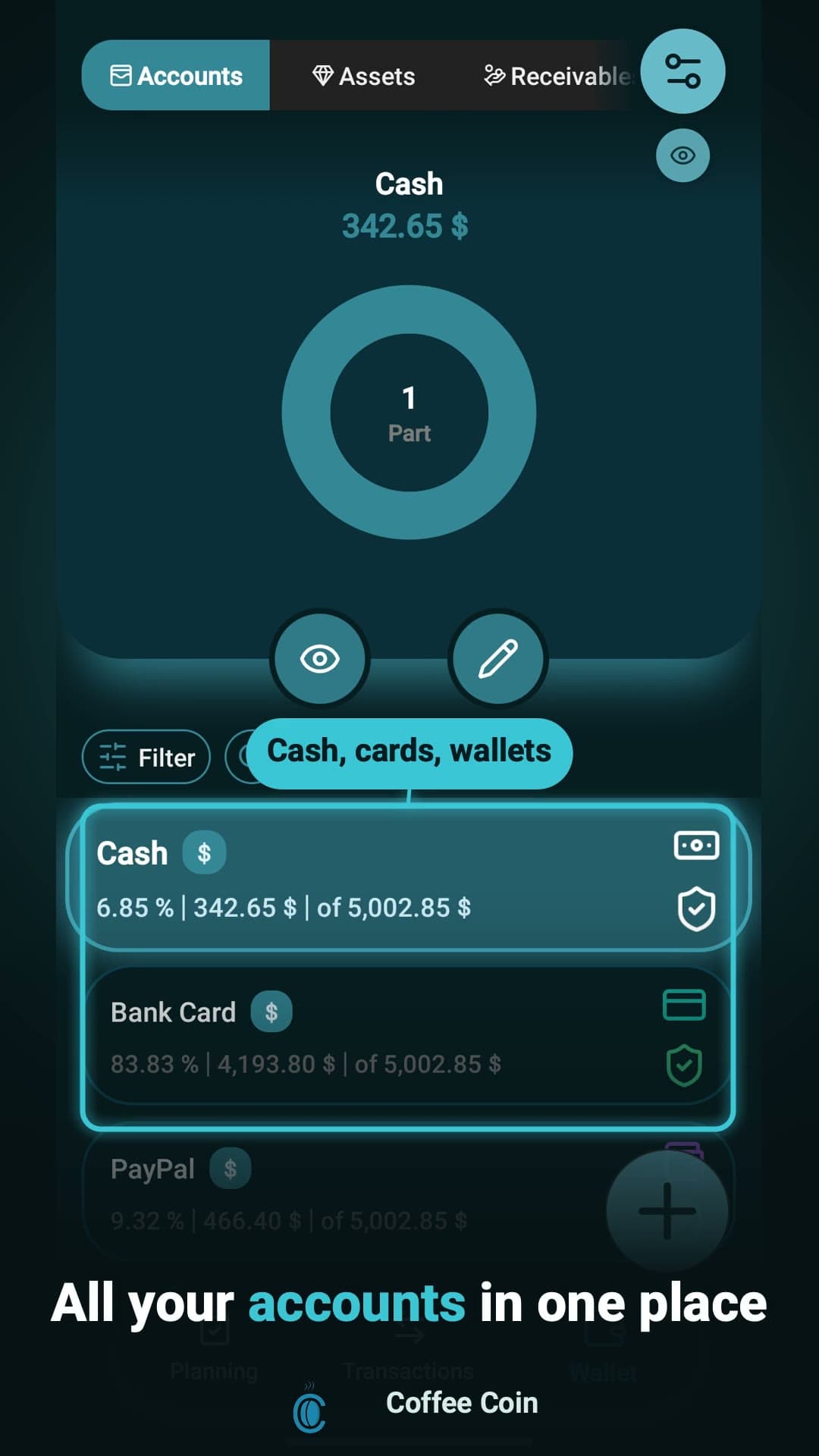
See cash, bank cards and wallets side by side. Split each account into partitions such as “Day to day” and “Savings” so every amount has a purpose.
Read guide →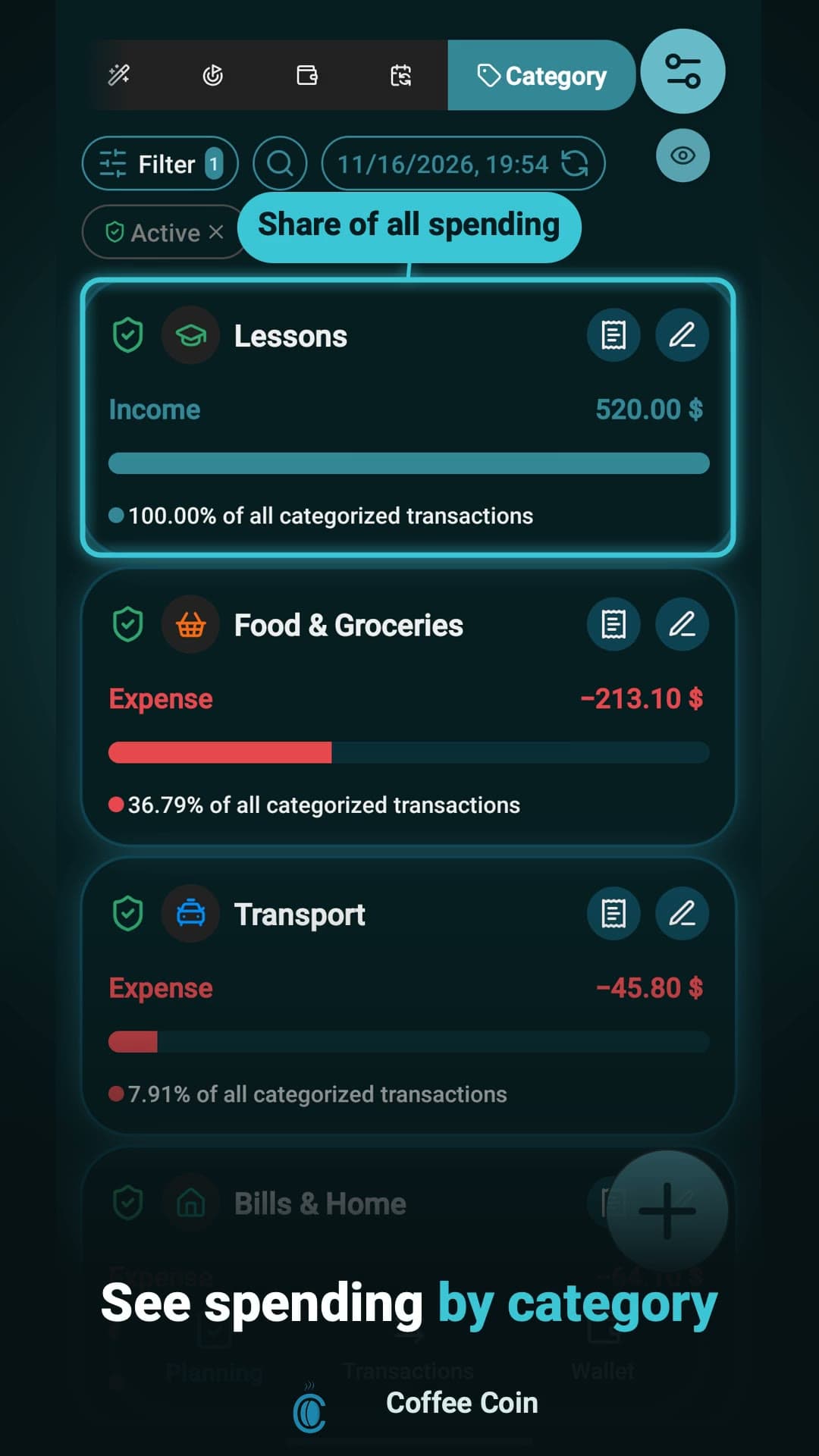
See each category’s share of your spending. Smart rules split income across partitions, and ready-made salary, tax and rent tools help you get started.
Read guide →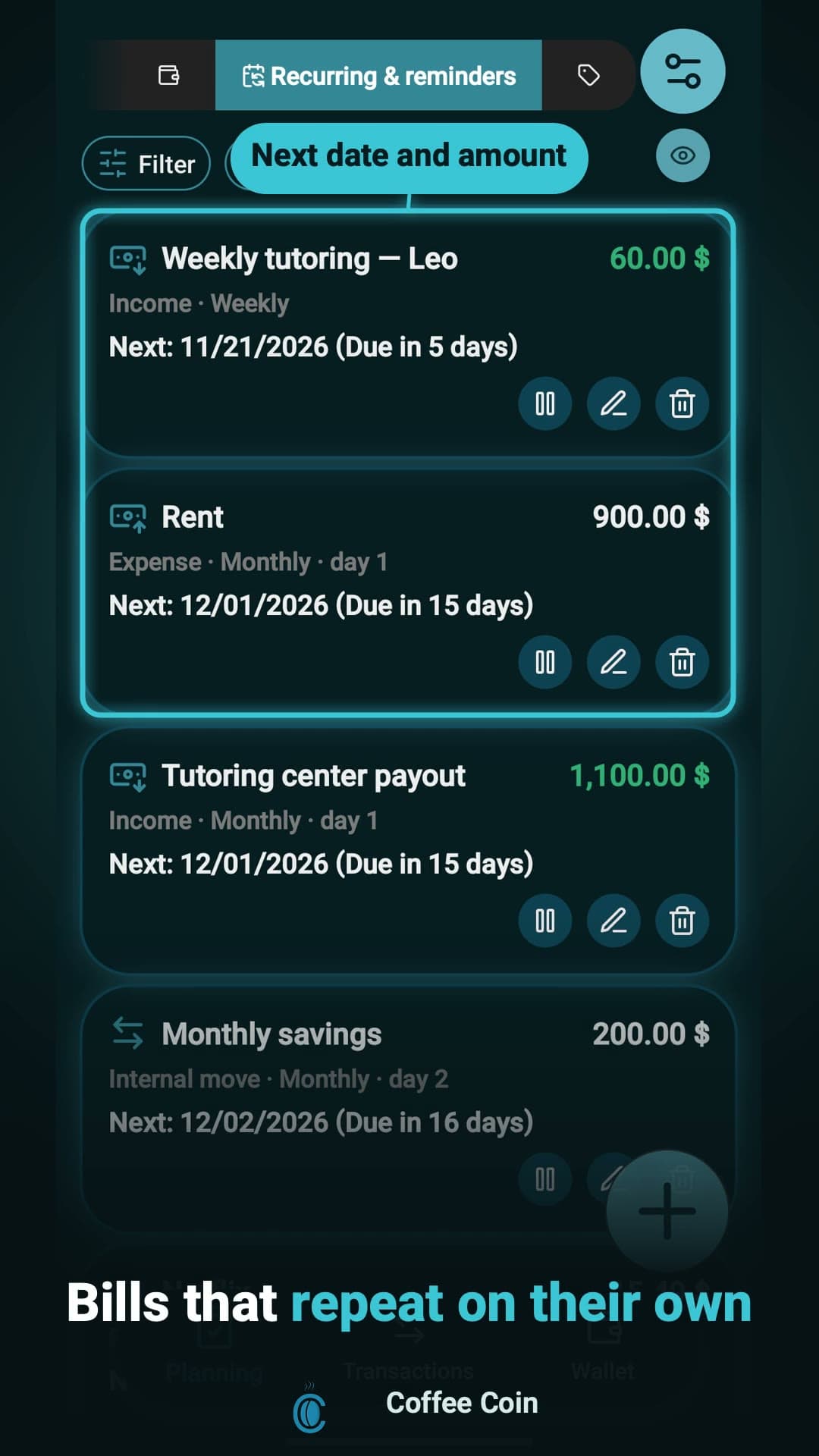
Set up rent, salary, subscriptions and installments once. They come up for approval on their due date, with a reminder beforehand.
Read guide →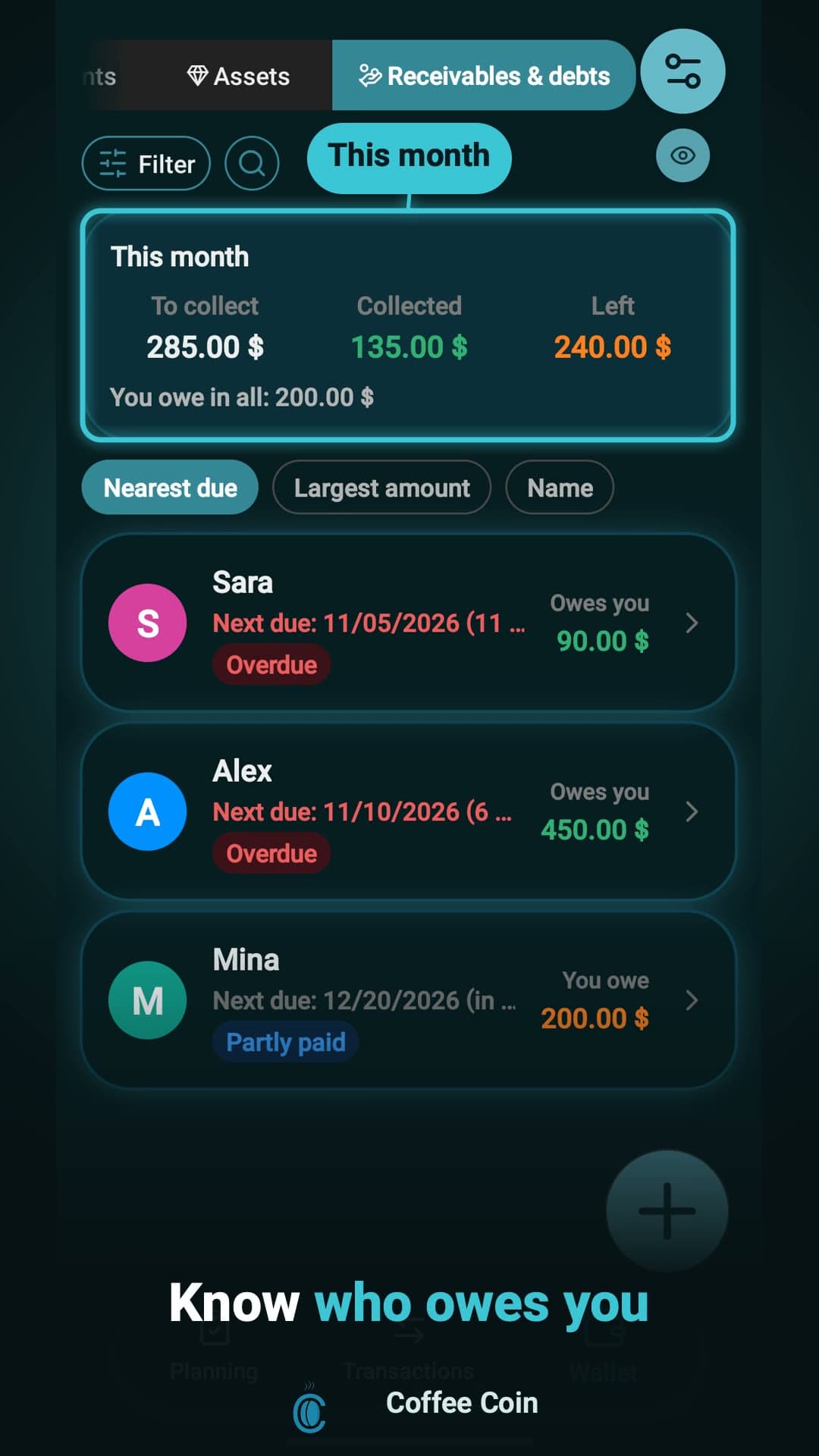
Record lessons, installments and loans for each person, track partial payments, and share a statement as an image or PDF.
Read guide →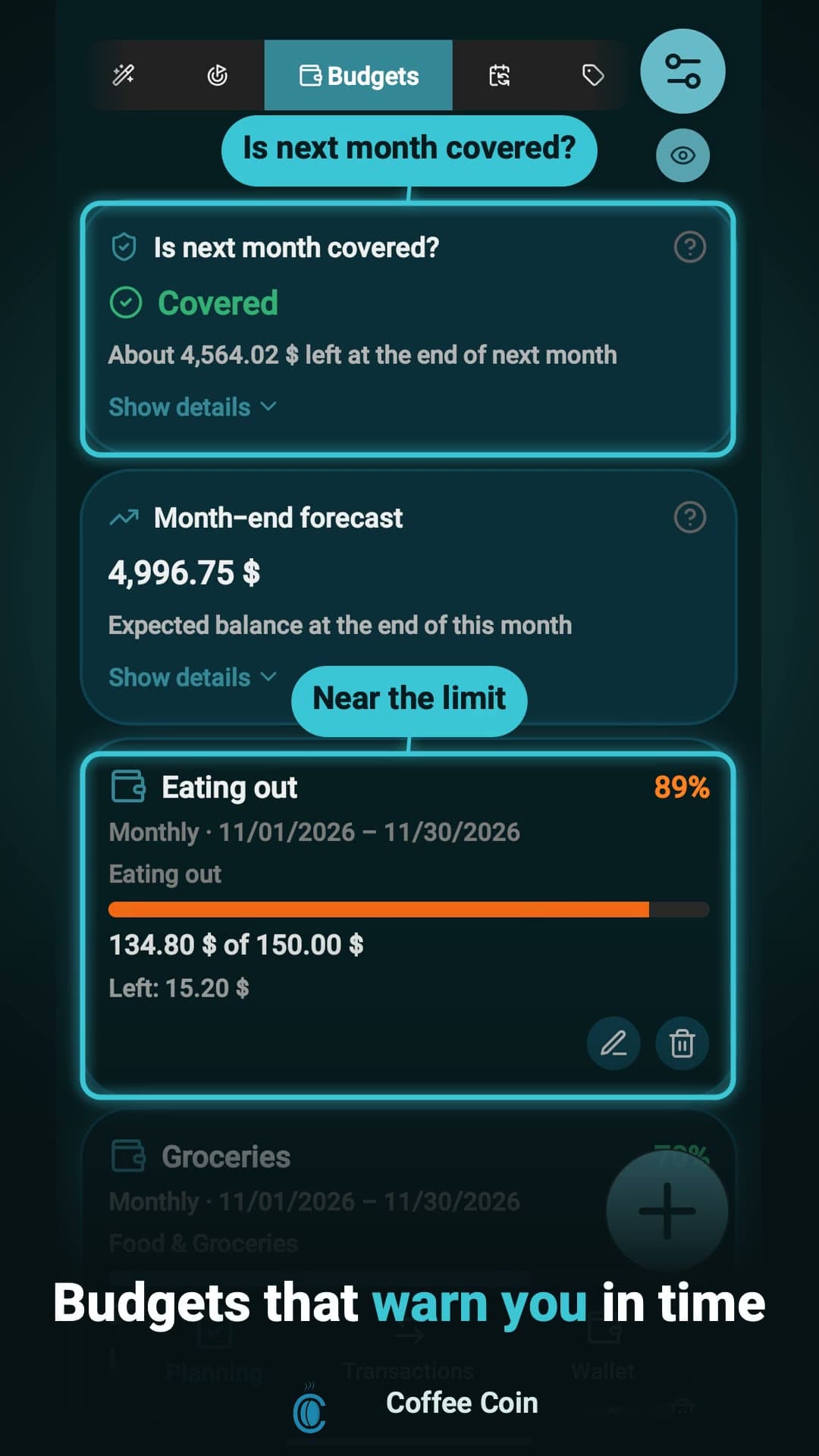
Set a limit for each category and get an alert as you approach it. Check whether next month’s costs are covered and save step by step toward a goal.
Read guide →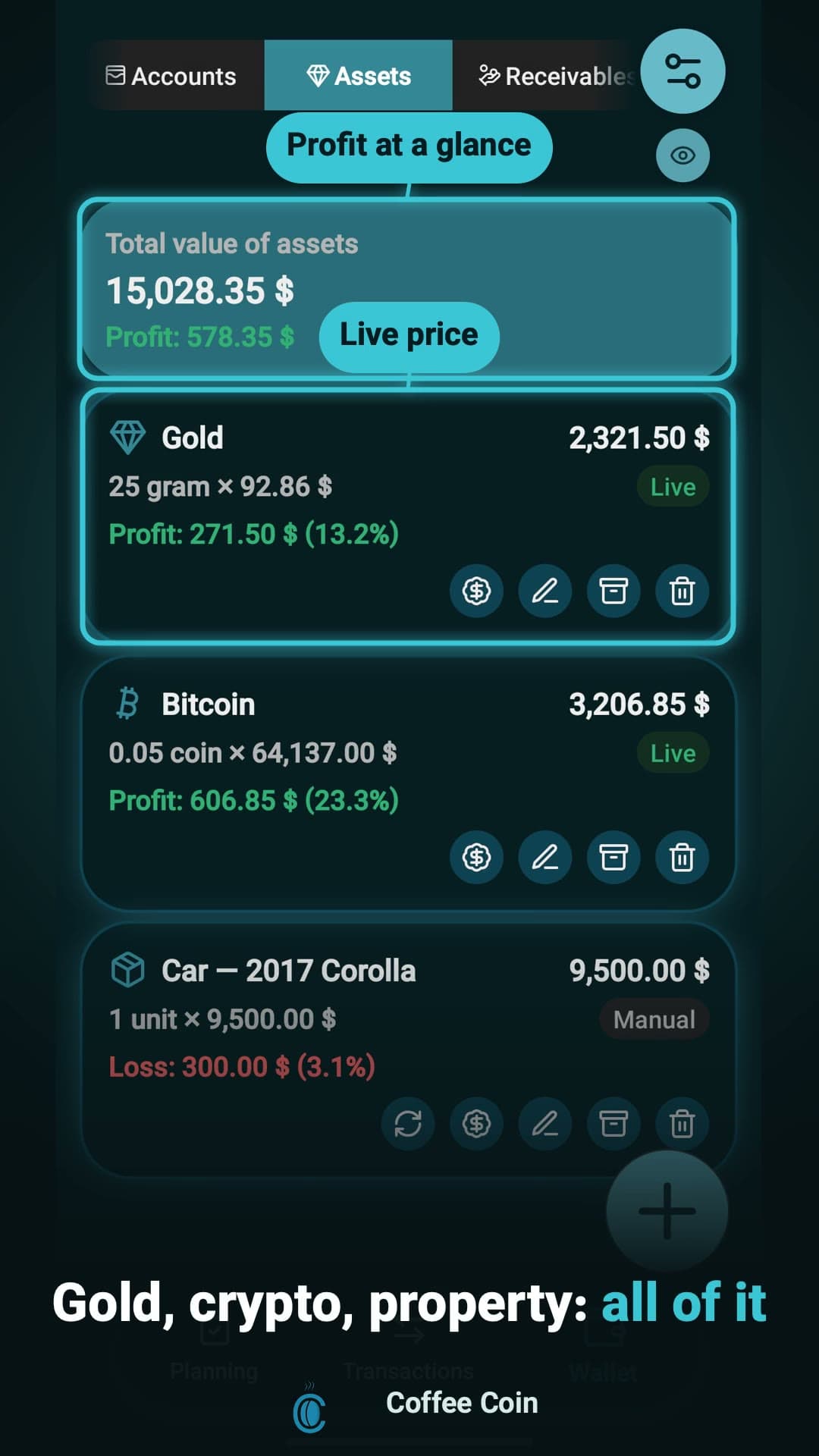
Track gold, crypto, stocks, a car or property alongside your accounts. The net worth chart shows how your assets change, with purchases and sales linked to accounts.
Read guide →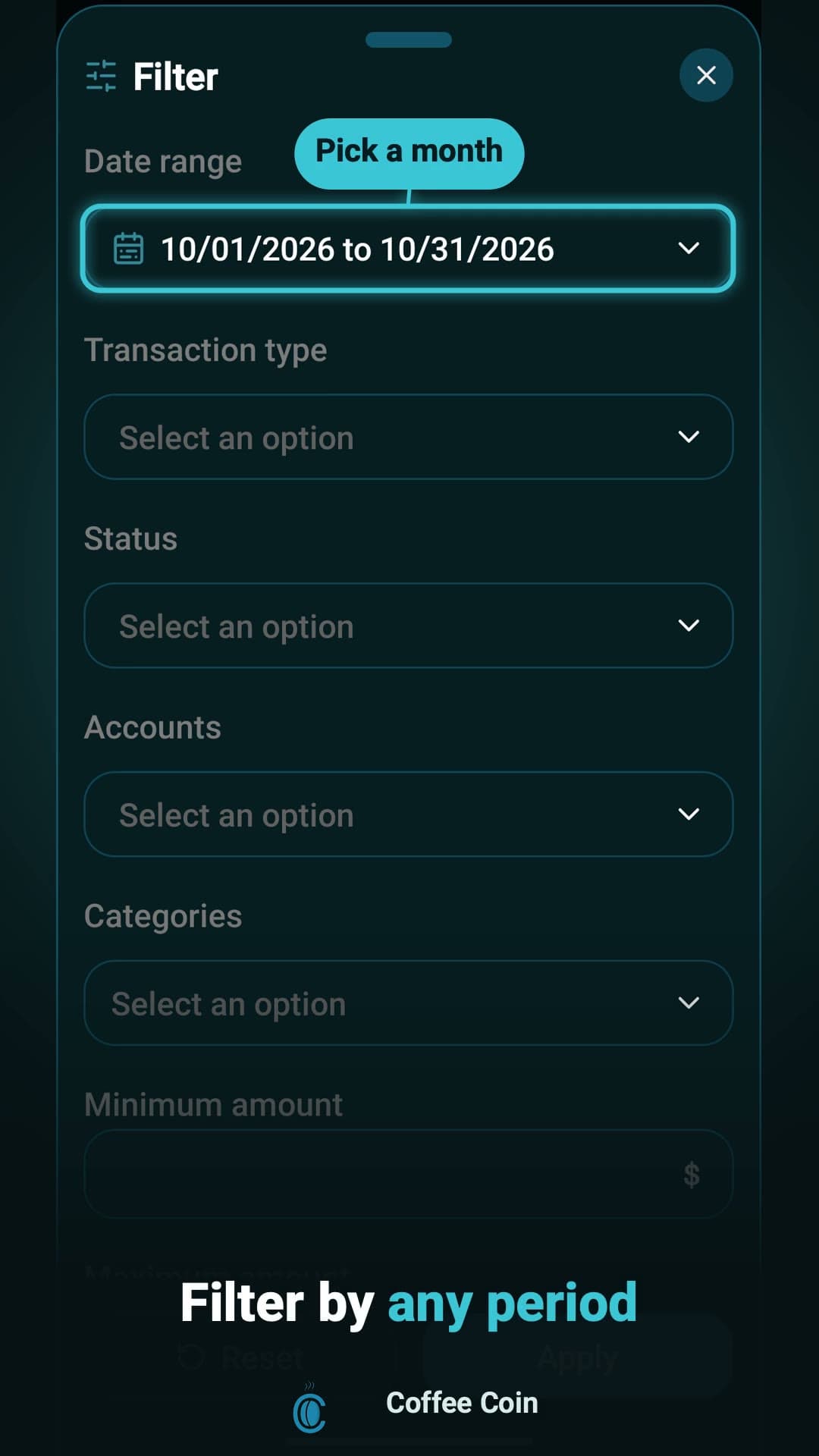
Filter any period and chart income, spending and net totals by category or account. Compare this month with any other period.
Read guide →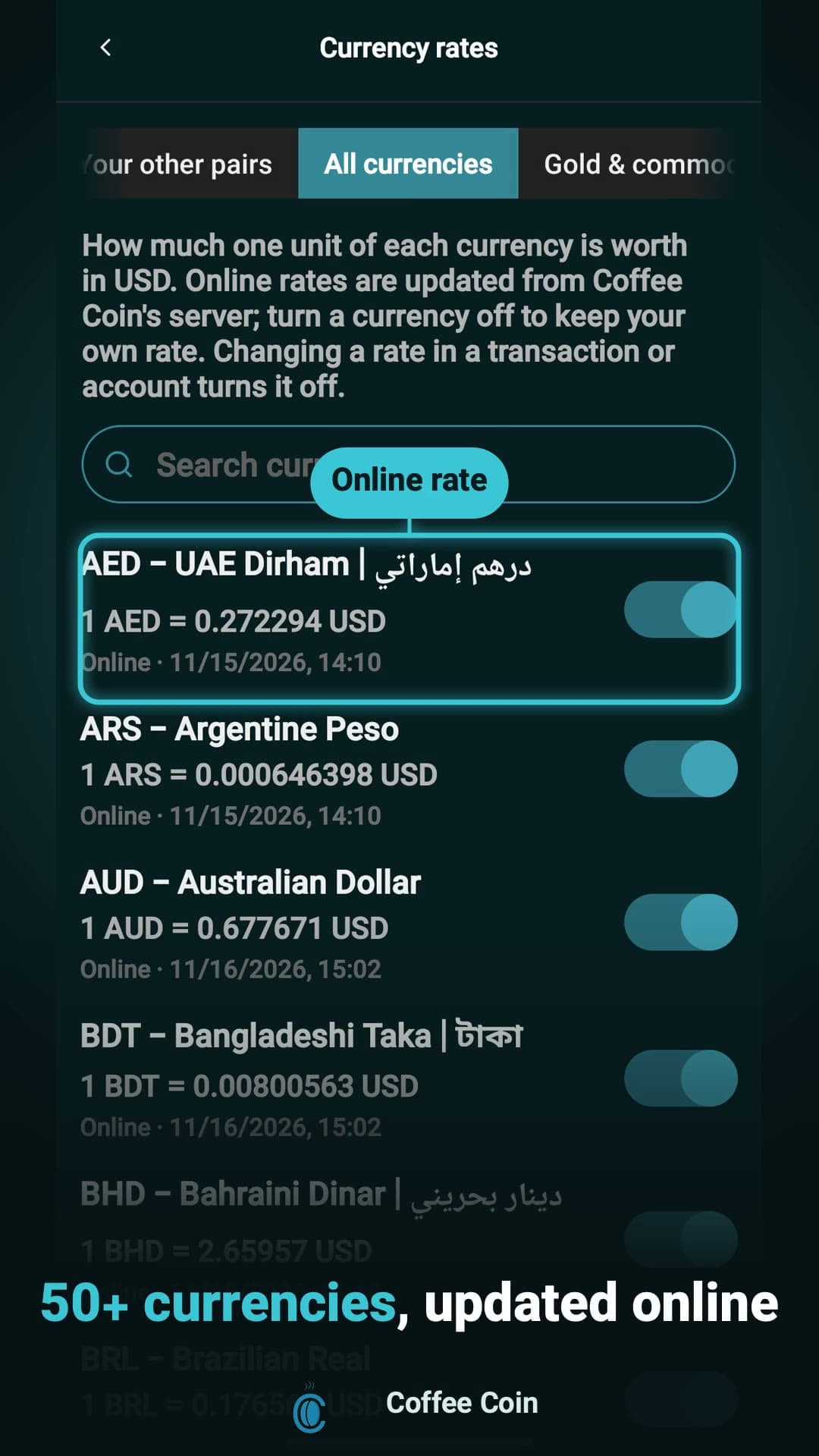
Follow live rates for more than 50 currencies and see 18k gold and ounce prices in your chosen currency. You can also enter a custom rate when needed.
Read guide →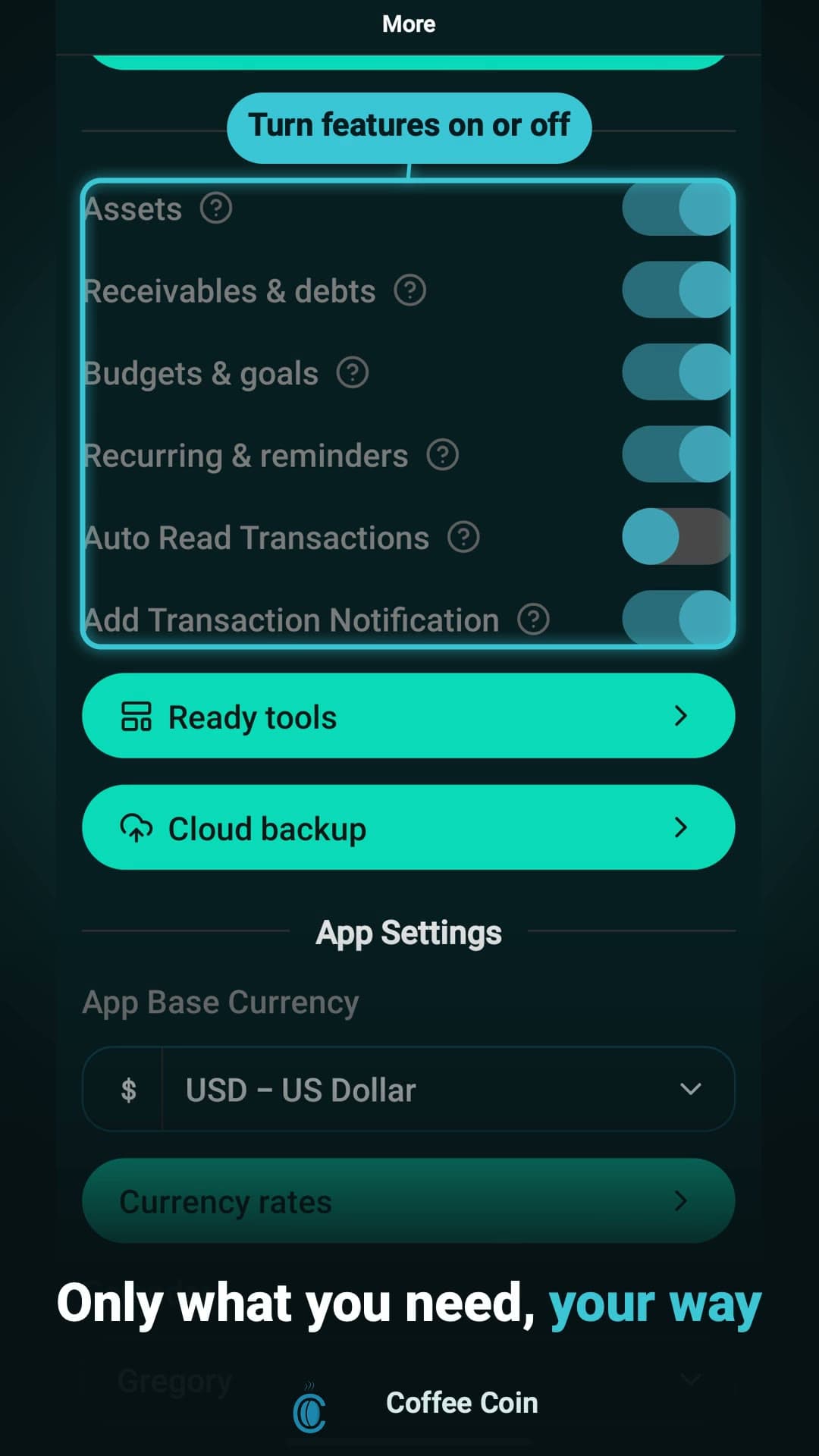
Turn on only the features you need to keep the app focused. Back up your data to your own Google Drive, with automatic weekly backups available.
Read guide →