

Tutorials
Your way, backed up to Google Drive
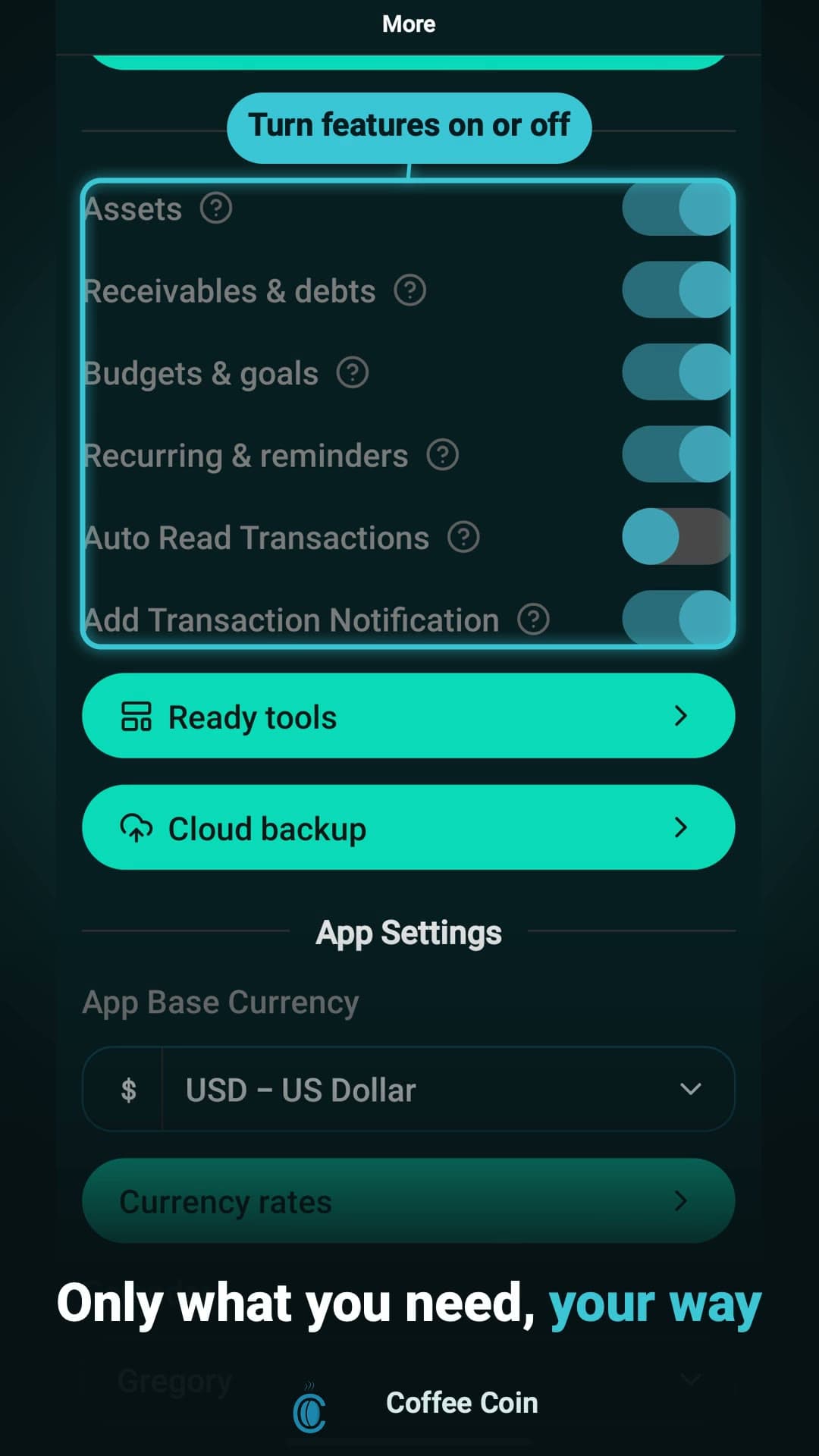
Turn on only the features you need to keep the app focused. Back up your data to your own Google Drive, with automatic weekly backups available.
Step by step
- Open feature management from Settings or the More menu.
- Switch off features you do not use to keep the app focused on your needs.
- For cloud backup, open Backup and connect your own Google Drive account.
- Enable weekly backups and check when the latest copy was created.