

Tutorials
See where your money went
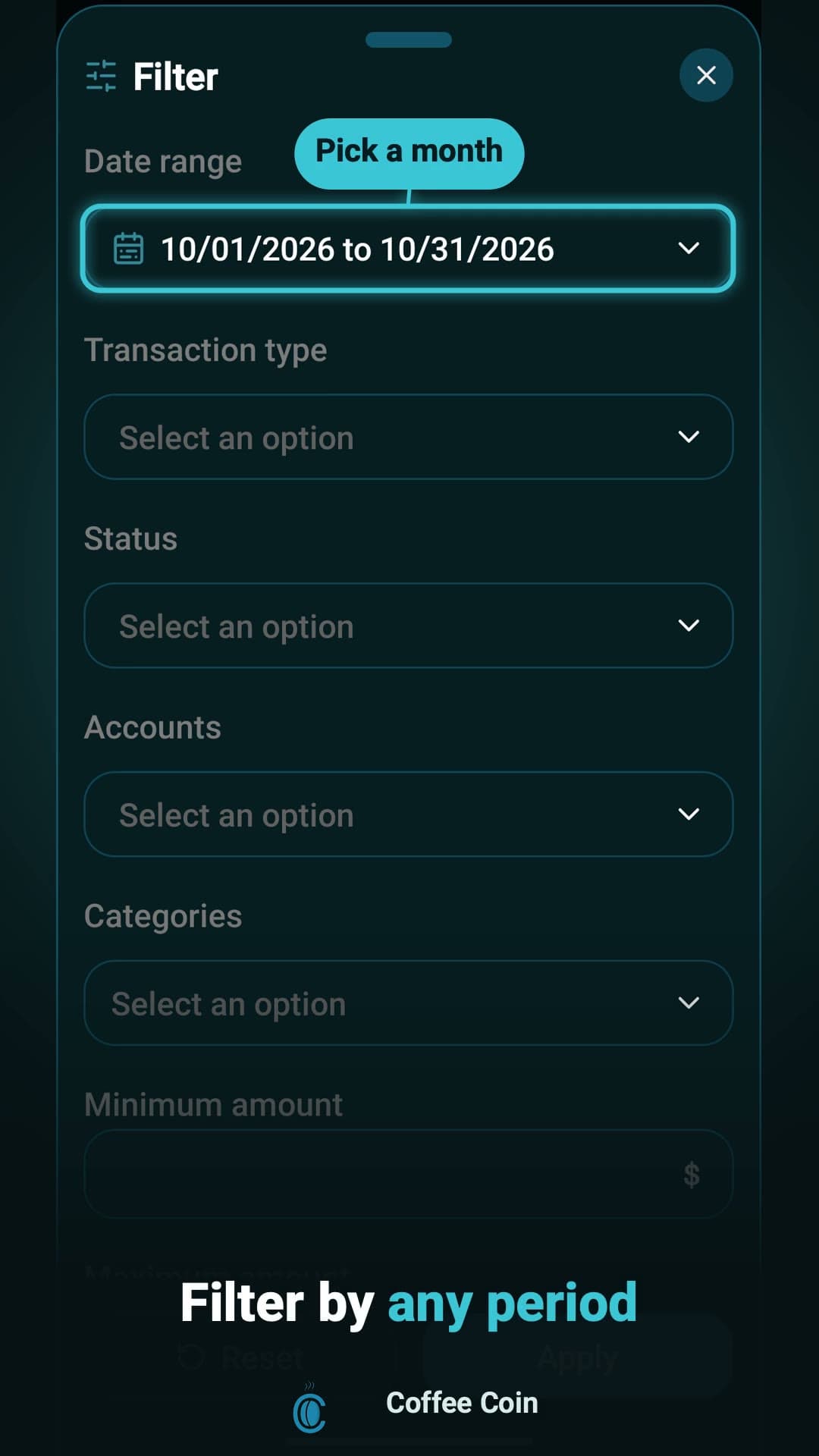
Filter any period and chart income, spending and net totals by category or account. Compare this month with any other period.
Step by step
- Open Reports and choose the period you want to review.
- Start with the income, spending and net overview to see the period’s trend.
- Filter by category or account to understand the details.
- Compare two periods and share an image of the analysis when useful.